Evaluating Duplicati as a Backup Option
An honest look at Duplicati from a testing standpoint: interactive web-UI setup, built-in encryption and deduplication, plus pros and cons for a single-machine homeserver with limited storage.
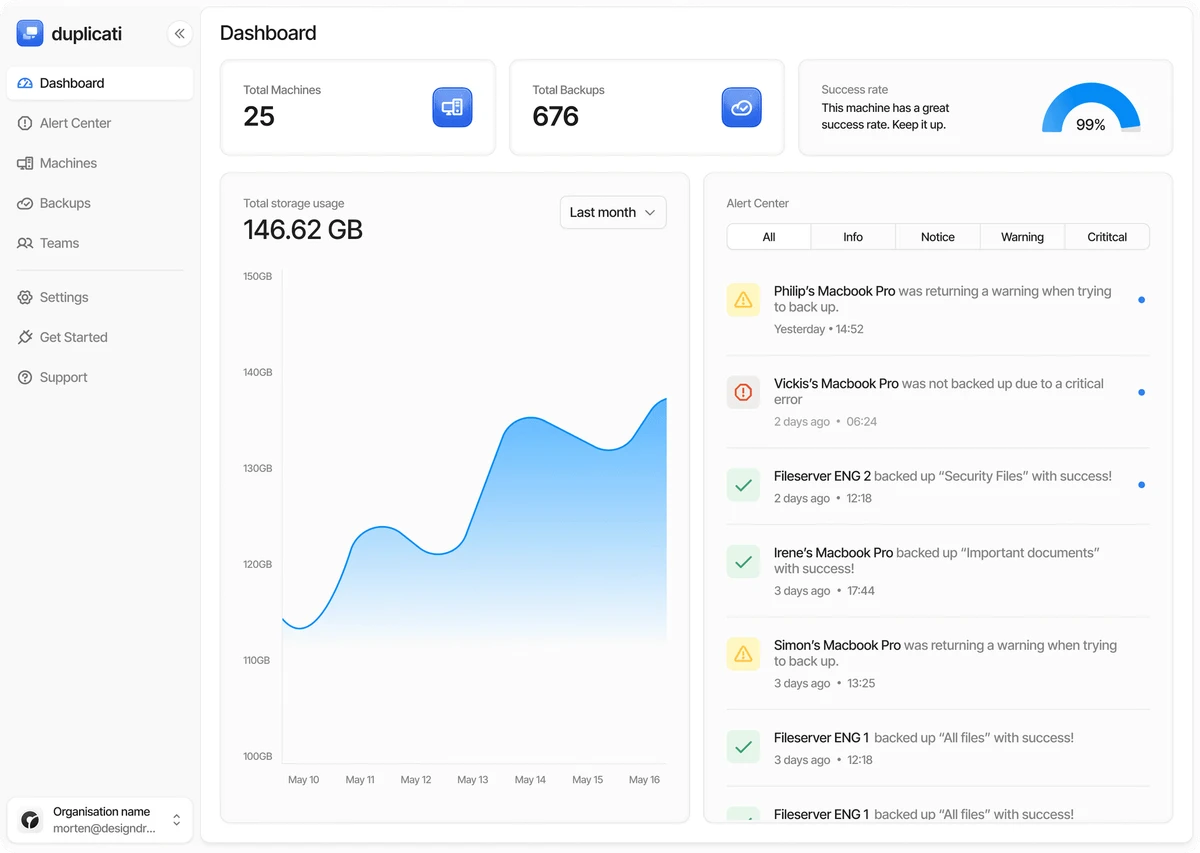
It is no secret that backups are easy to put off. On my homeserver I have one physical machine and limited storage, so the backup strategy cannot just be improvised. Lately I have been spending time testing a few backup options, and one that stands out is Duplicati. This article is an evaluation note, not a claim that I already use it for every service. Much of it is still in trial.
What is interesting about Duplicati is that it takes the opposite approach to most self-hosted backup tools: instead of a scary command line, it offers an interactive web interface with a wizard. For a single person who wants backups to run without fuss, that is a strong starting point.
Why it was worth considering
Before Duplicati I had a few other approaches: manual snapshots, scheduled rsync, and VM-level backups through Proxmox Backup Server. They all work, but they leave gaps that bothered me:
- Snapshots and
rsyncare not encrypted by default, so the backup medium has to be trusted. - VM-level backups are solid, but restoring a single file or a single application is heavier and slower.
- Terminal-based configuration needs careful notes and is easy to forget.
Duplicati addresses all three at once: built-in encryption, deduplication and compression, and everything managed from the web. That is what pushed me to give it a try.
First-run experience
Installation via Docker Compose was quick, and right after the container started I was greeted by a setup wizard in the browser. This is the opposite of a CLI workflow: pick a source, choose a destination, set a schedule, and let Duplicati figure out the rest. For someone who does not want to memorize hundreds of flags, this experience is far easier.
services:
  duplicati:
    image: lscr.io/linuxserver/duplicati:latest
    container_name: duplicati
    environment:
      - PUID=1000
      - PGID=1000
      - TZ=UTC
    volumes:
      - ./config:/config
      - ./backups:/backups
    ports:
      - "8200:8200"
    restart: unless-stopped
From there, add a folder or volume to a job through the UI, pick a backup destination, and Duplicati handles encryption, deduplication, and compression automatically. There is also a built-in scheduler and per-job status reports you can watch from one dashboard. As a first experience, this is very approachable.
Pros I noticed
- Complete interactive UI. Setup wizard, reports, browsing backup contents (restore file browser), even restoring from the browser. Everything runs without touching the terminal.
- Built-in encryption (AES-256). Data is encrypted before it leaves the process, so the backup target does not have to be fully trusted.
- Deduplication and compression. This is crucial for limited storage — the same data is not uploaded repeatedly, and the result is smaller than the original size.
- Incremental plus scheduler. Only the first backup is full; the rest are differential, saving bandwidth and capacity.
- Many destination choices. FTP, WebDAV, SFTP, and a range of cloud storage, so you are not locked into one target.
Cons and limits, especially on one machine
No evaluation is complete without the downsides. In the context of a single machine with limited storage, these are noticeable:
- Deduplication needs space. All the compressed data is combined into one large data store. It is stored as a whole, and the UI does not always show the per-item size clearly. This makes it hard to answer “how big is this folder inside the backup?”.
- Storage usage is not transparent. Even though dedup and compression help, predicting when the disk will run out is still difficult. With very limited storage this needs to be watched closely.
- Restores can be slow and consolidate operations. Duplicati works in blocks; restoring a single file is usually fast, but a full restore sometimes pulls many encrypted blocks from the same data store.
- Recovery depends on the database. Duplicati keeps job metadata in a local database. If that database is lost, reassembling the blocks becomes much harder. This means the storage medium and the database have to be cared for together.
- “Backup on the same machine” = one failure domain. If the only copy sits on the same disk as the source data, it is not a real backup. It protects against missing files, but not against losing the whole machine. Real safety still needs an off-host or offsite copy.
- Documentation-heavy terminology. Loop, data store, version, and similar terms carry their own learning curve, even though the UI itself is friendly.
Tentative conclusion
So far Duplicati deserves to be called one of the most accessible backup options: interactive web UI, built-in encryption and deduplication, and a far friendlier setup than CLI tools. For the goal of “backing up applications easily and monitoring them from one dashboard”, it works well.
But it is not a magic answer to my limits. With one machine and limited storage, the challenge is not about features — it is about having a truly separate copy and planning capacity. Duplicati helps on the ease and data-security side, but it still needs discipline on the storage-location side.