August 10, 2026
Proxmox VE and a Few Main VMs
Why Proxmox VE was chosen from the start, the pattern of a few main VMs with broad responsibilities, and how Proxmox Backup Server fits VM-level backups.
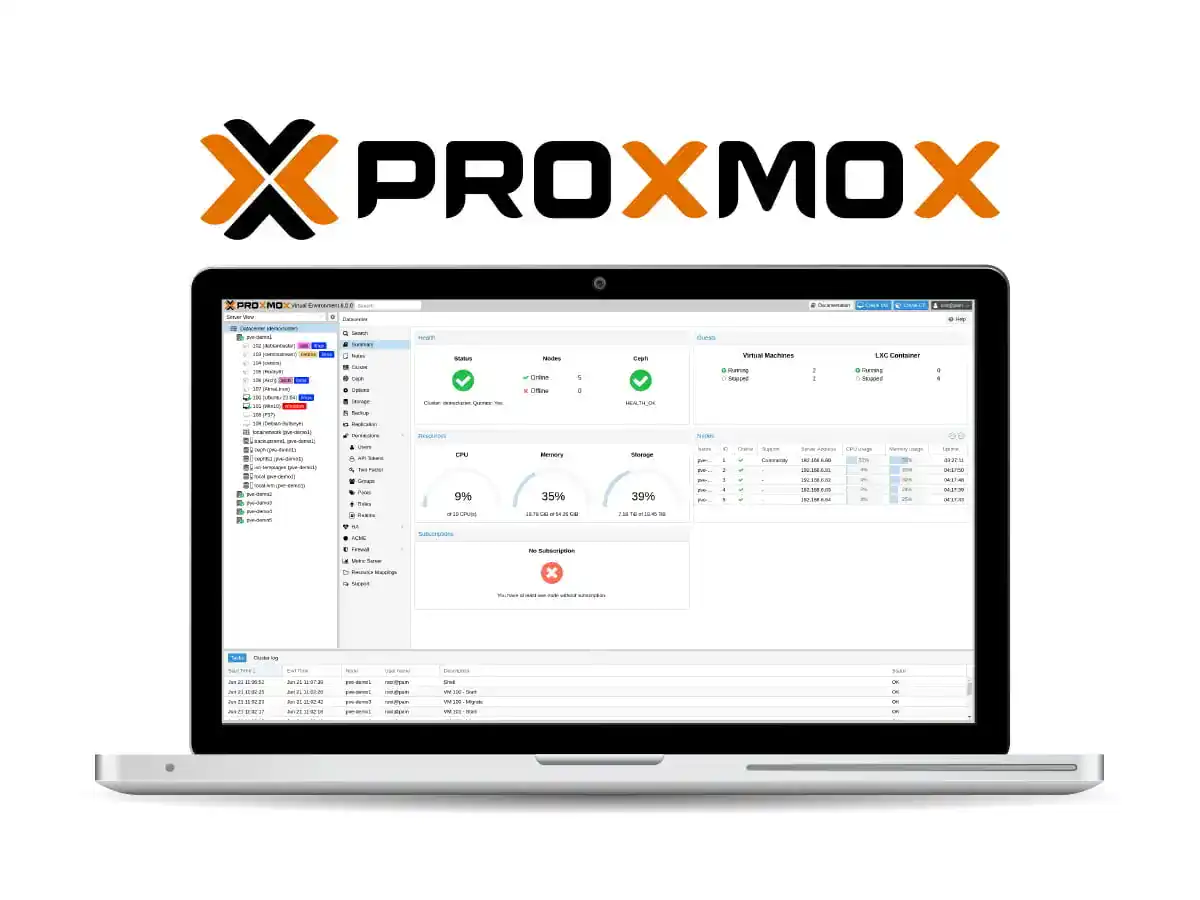
I chose Proxmox VE when I started building the homelab. It sits directly on physical hardware, not migrated — the decision predated any workload: one platform covering virtualization, storage, and backup.
The lab is deliberately run on a few main VMs with broad responsibilities, not a maximum unit count: fewer units make storage, networking, backup, and troubleshooting boundaries easier to grasp, since each VM runs many services.
Why Proxmox VE
Proxmox VE runs on Debian GNU/Linux, fully open source, with two virtualization technologies: KVM for virtual machines and LXC for containers. One interface manages both; full-kernel-isolation workloads and lighter services need no second tool. Web UI and API management, integrated backup, and broad storage support make one control plane cheaper than three tools.
Architecture: KVM and LXC on One Host
A Proxmox VE installation is a Debian host running QEMU/KVM for VMs, LXC for containers, and management daemons. Configuration lives in pmxcfs, a database-driven file system replicated through Corosync to every cluster node; even on one node it stores everything.
Storage is flexible: LVM-thin, ZFS, directories, NFS/CIFS, up to Ceph for clusters. The default layout uses ext4 for root and LVM-thin for VM images (efficient for snapshots and clones), with ZFS an option for corruption protection. Networking uses a Linux bridge (vmbrX), a virtual switch between guests and the physical NIC; guests can share one bridge or be separated with VLANs.
VM or LXC remains a per-workload choice: LXC shares the host kernel for a small footprint; a VM carries its own kernel for stronger isolation. The choice follows isolation, kernel, storage, and operation requirements, not just the smallest footprint.
The Few-Main-VMs Pattern
Workload categories that suit separate VMs:
- stateful applications with databases or storage;
- Docker hosts running related services;
- services requiring their own lifecycle and backup boundary;
- workloads requiring full kernel isolation.
This adds overhead versus LXC but reduces host-level coupling; for a small homelab that trade-off beats many poorly mapped units.
Installation and Initial Setup
Bare-metal installation uses the official installer ISO, which offers disk-layout options (ext4, XFS, or ZFS); the default network already uses a bridge for guest connectivity. After installation, storage, bridges, VMs, and backups are set up for the workload.
pveversion --verbose
systemctl is-active pveproxy pvedaemon pvestatd
pvesm status
qm list
These commands check version, services, storage, and the VM list. VMs are created in the web UI: pick an ISO, allocate resources, attach the guest to a bridge.
Security and Operations
Proxmox VE provides role-based access control, API tokens, authentication realms (PAM, LDAP, AD), and two-factor authentication (OATH, Yubikey). For a small homelab, enable TFA on admin and scope API access via narrow tokens.
Package updates have two paths: pve-enterprise is enabled by default and requires a subscription; pve-no-subscription is for testing and non-production. Subscription notices appear.
Operational rules: document host, storage, and guest configuration separately; treat host reinstallation as destructive; keep guest backups on separate media.
Backup and Recovery
The integrated backup tool (vzdump) snapshots running guests and produces a full archive of guest data plus configuration. In this homelab the target is Proxmox Backup Server (PBS), datastore on an external disk. PBS adds deduplication, compression, authenticated encryption, and incremental backups (only the delta after the first).
VM-level backup covers an entire guest without per-application agents, but it is not an application-backup replacement: restoring a VM brings back the guest unit without proving database transaction consistency or single-file recovery. Jobs, retention, and isolated restores need separate testing; a full VM restore differs from a database or single-file restore.
Trade-offs and Limitations
- A single host is a single point of failure. Every VM stops when the host goes down; HA requires a cluster with shared storage.
- Backup on the same machine is one failure domain. PBS on an external disk on the same host protects against file loss, not whole-machine loss; an offsite copy remains.
- VM overhead is real. Each VM carries its own kernel and processes — more RAM and disk than LXC.
- The enterprise repo needs a subscription.
pve-no-subscriptionis for testing and non-production; notices appear. - Datastore capacity needs planning. Deduplication helps, but the datastore grows with backup count and retention.
Conclusion
The few-main-VMs pattern fits a single-machine homelab: few units, clear storage/network/backup boundaries, each VM running many services. Proxmox VE handles virtualization, storage, and backup from one interface; PBS makes VM-level backup practical with no per-application agents.
The honest context: one physical machine with limited storage. Proxmox VE does not remove the need for application-level backup discipline and separate media; it makes the guest layer easier to manage and restore. The next big decision is not adding more VMs, but when to add a second machine so failure domains actually separate.